
How to use it
- 1
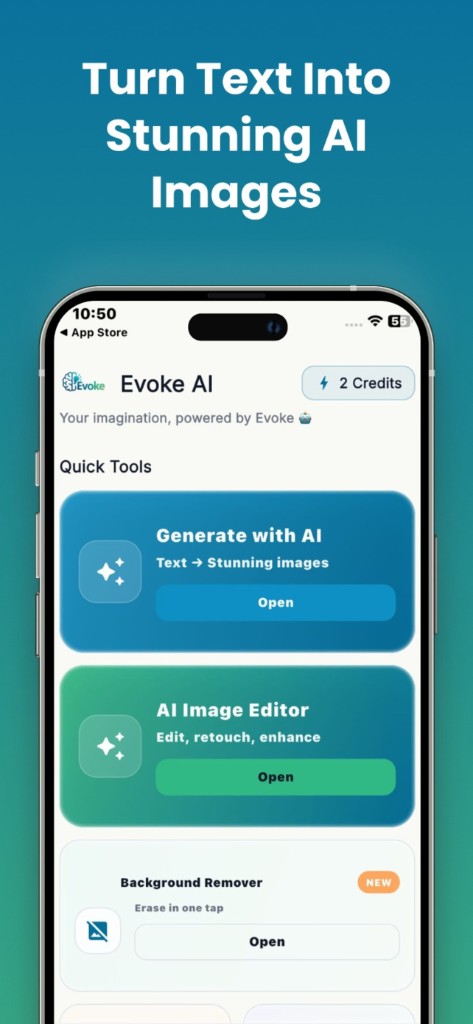
Open the AI photo generator in Evoke
- 2
Type a specific prompt — subject, lighting, angle
- 3
Save the still you keep; discard the rest
What you can generate
Product mockups, blog art, concept scenes, and stylized portraits from a sentence. Results vary with how specific the prompt is. Vague prompts ("a nice picture") give generic output. Named lighting, camera angle, and subject give more usable images.
- ·Text to image from the phone keyboard
- ·Save to camera roll for Instagram, WhatsApp, or print
- ·Pair with AI portraits in the same app for photos of yourself
App generator vs web generator
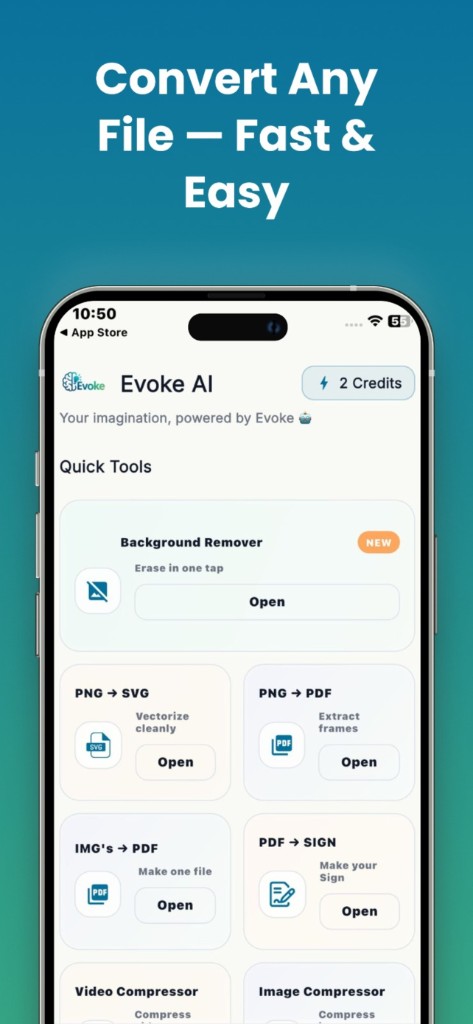
Both use the same product family. The app is better when you are away from a desk and want the file in Photos. The website is better when you are writing prompts on a full keyboard. Neither one is a substitute for a licensed stock photo if you need a real photograph of a real place.
Limits to know
Generated faces can look almost real and still be wrong in small ways — extra fingers, warped text, invented logos. Do not use generated images as ID photos or as evidence. For a picture of you in a new setting, AI Portraits in the app is the closer tool, because it starts from your own photos.
Guides and related tools
Frequently asked questions
Yes. Evoke includes a text-to-image generator for Android and iPhone. You can also run the generator in the browser on this site if you do not want to install the app.
The text-to-image generator invents a scene from words. For pictures that look like you, use AI Portraits in the Evoke app, which starts from photos you provide.
Treat output as a draft. Check the current store listing and terms before you sell or publish a generated image, and do not generate a likeness of a real person you do not have rights to use.


