
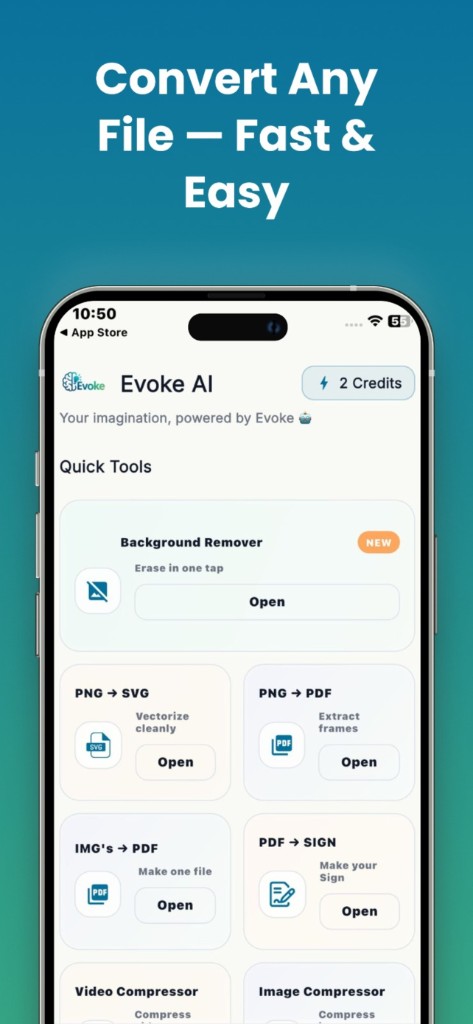
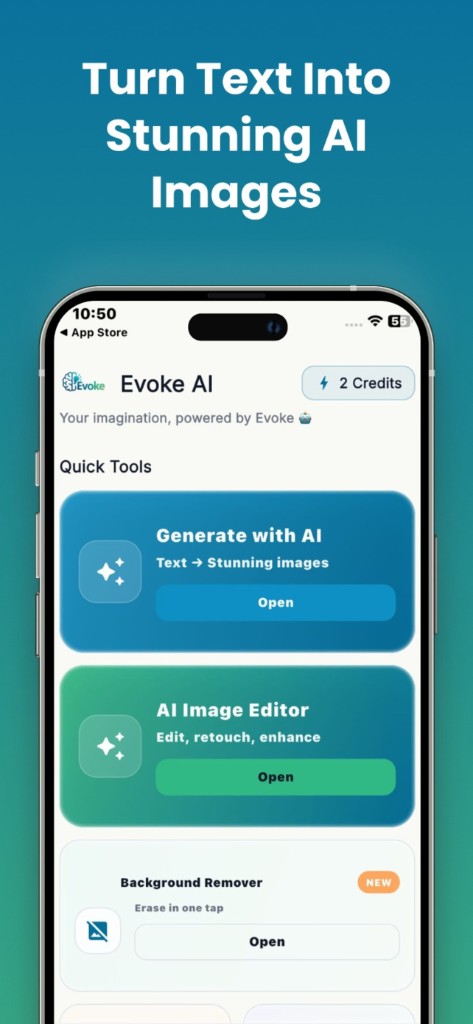
How to use it
- 1
Open Background Remover in the Evoke app
- 2
Pick a photo from your camera roll or take a new one
- 3
Save the transparent PNG for shops, avatars, or design
When the app is the better choice
Use the app when the photo is already on your phone: marketplace listings, a profile picture, a product on a table. You stay in the camera roll instead of moving the file to a computer. Hair, fur, and glass edges are still the hardest cases on both app and web.
- ·Transparent PNG for shops and social avatars
- ·Works from the phone camera roll
- ·Same cutout job as the free web tool
App vs web background remover
The website tool is for desktops and for people who do not want another app. The Evoke app is for the same cutout on Android and iPhone, next to enhancer, generator, and PDF tools. Neither one is a full clipping-path studio. Complex jewelry, smoke, and see-through fabric often need a manual cleanup.
Guides and related tools
Frequently asked questions
Yes. Evoke includes a background remover for Android and iPhone. You can also remove a background in the browser on this site with no install.
The output is a transparent PNG. You can place it on any color or scene in another app. If you need a solid color behind the subject, add that in a second step.
Simple hair against a plain wall usually works. Flyaways against a busy background often leave a fringe. Try a plainer backdrop if the first cut looks rough.


