

How to use it
- 1
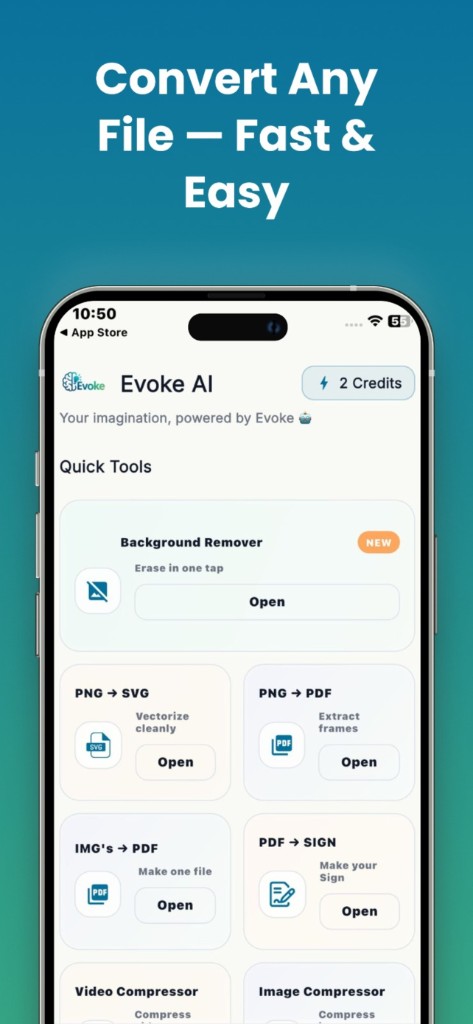
Open Sign PDF in the Evoke app
- 2
Pick the file and create a signature
- 3
Place it on the line and export
What the sign PDF app does
You draw a signature, type a name, or upload an image, then place it on a page and export. That is a visible stamp, not a cryptographic digital signature. It does not prove who signed or lock the file against later edits.
App sign vs website PDF tools
Sign on the phone. Merge, split, compress, organize, and protect on the website if you are at a computer. The PDF editor app page lists the full set.
Guides and related tools
Frequently asked questions
Yes. Sign PDF is in the Evoke app for Android and iPhone. Other PDF jobs also run in the browser on this site.
No. It is a visible mark on the page. Most everyday forms accept that. It is not a certificate.


