



How to use it
- 1
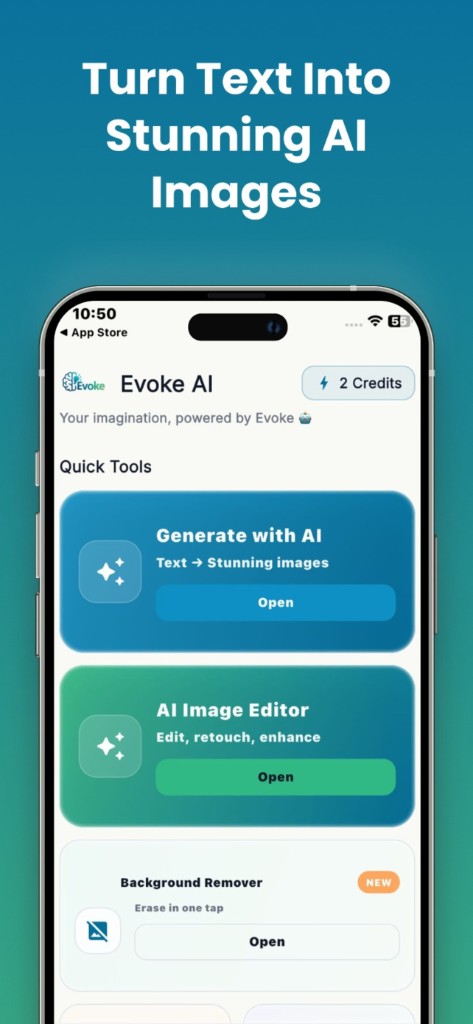
Install Evoke from Google Play or the App Store
- 2
Open Photo Enhancer and pick a picture
- 3
Run enhance, compare, and save to your gallery
What the enhancer in the Evoke app does
It upscales and sharpens faces, hair, and texture on photos that look soft, old, or compressed. Results are strongest on reasonably clean portraits. Heavily compressed thumbnails often get invented detail rather than recovered detail. That limit is real, and it is why a single tap is not a miracle on every file.
- ·Restore faces in old phone photos
- ·Sharpen screenshots and compressed downloads
- ·Upscale a small image before you print or post it
Evoke app vs Remini
Remini is a paid enhancer app with a short free trial. Evoke is a free download that includes enhance plus colorize, descratch, deblur, generator, and PDF tools in the same app. If you restore faces professionally and every pixel counts, trial Remini. If you want a free enhancer on your phone without a subscription to start, download Evoke.
Where it runs
There is no browser version of this model. If you only need to resize or compress an image, those tools still run on the website. Enhance itself stays in the Android and iPhone app.
Guides and related tools
Frequently asked questions
Yes. Evoke includes an AI photo enhancer for Android and iPhone. Download it from Google Play or the App Store. It is not a browser tool.
You use it inside the Evoke app on your phone. You do not open a desktop website and upload a file. The model still needs the app environment, which is why it is not offered as a web tool.
No. Mild blur and low resolution usually improve. Severe motion blur and tiny thumbnails often cannot be rebuilt because the original detail is gone.


