



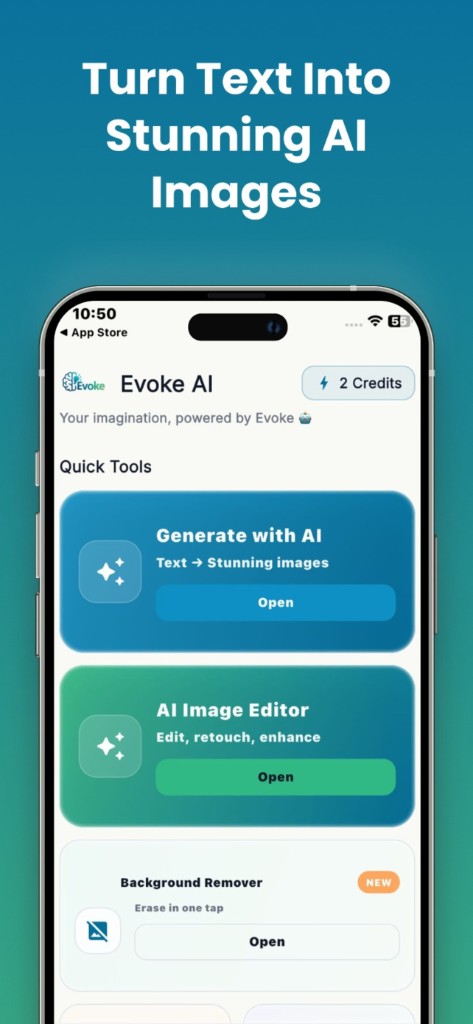
How to use it
- 1
Repair damage first if the print is scratched
- 2
Colorize if the photo is black and white
- 3
Enhance last if the result is still soft
What restoration covers in the Evoke app
Colorize predicts plausible color for skin, sky, and clothes. Those colors are not the original colors, which no longer exist in a monochrome file. Descratch fills scratches, dust, and creases. Deblur sharpens mild blur. Large missing pieces of a face cannot be truly recovered.
- ·Colorize B&W family photos
- ·Repair scratches and tears on scans
- ·Unblur a slightly shaky snapshot
Why the order matters
Start with descratch if the print is damaged, then colorize if it is black and white, then enhance if it is still soft. Order matters because each step changes the pixels the next step sees.
Guides and related tools
Frequently asked questions
Evoke includes colorize, descratch, and deblur in the Android and iPhone app at no download cost. These three do not run on the website.
No. It predicts likely colors from what the model has learned. They can look natural and still be historically wrong. Treat them as a plausible guess.
No. If the paper is gone, the app invents a plausible patch. That is not the real person. Keep a copy of the original scan.


