



How to use it
- 1
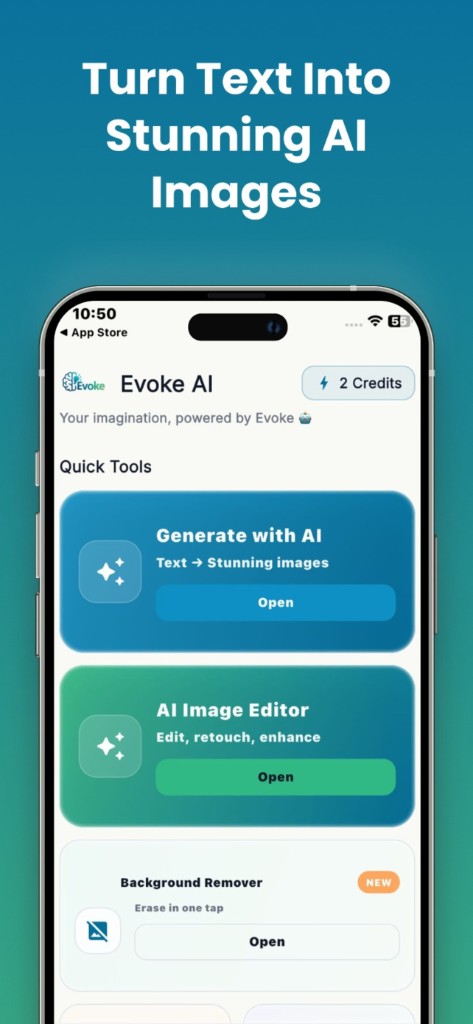
Open Descratch in the Evoke app
- 2
Pick a damaged scan from your camera roll
- 3
Save the cleaned file, then colorize or enhance if needed
What the photo repair app does
It detects damage and paints in nearby texture. Small scratches usually disappear. A tear that removed half a face cannot be the real person again — the app invents a patch. Keep the original scan.
Order of restoration
Repair first, then colorize, then enhance. If you enhance first, scratches can get sharpened into the picture.
Guides and related tools
Frequently asked questions
Evoke descratch runs in the Android and iPhone app. It is not a web tool.
No. Missing paper means invented pixels. That is a guess, not recovery.


