
App only

Unblur Photo App

Free unblur photo app for Android and iPhone

An unblur photo app sharpens mild blur and handshake. In Evoke you pick a shaky snapshot, run deblur, and compare it with the original. Severe motion smear cannot be rebuilt because the shape is gone from the file. This model is not a browser tool.

  • Sharpen mild camera shake
  • Rebuilds edges, not a simple contrast boost
  • Heavy motion smear usually cannot be fixed
  • Not a browser tool
4.8· 1,280 ratings of the Evoke app on Google Play and the App Store
UnblurredUnblurred
OriginalOriginal

Inside the Evoke app

Pick a photo from your camera roll, run the tool, and save the result back to your gallery.

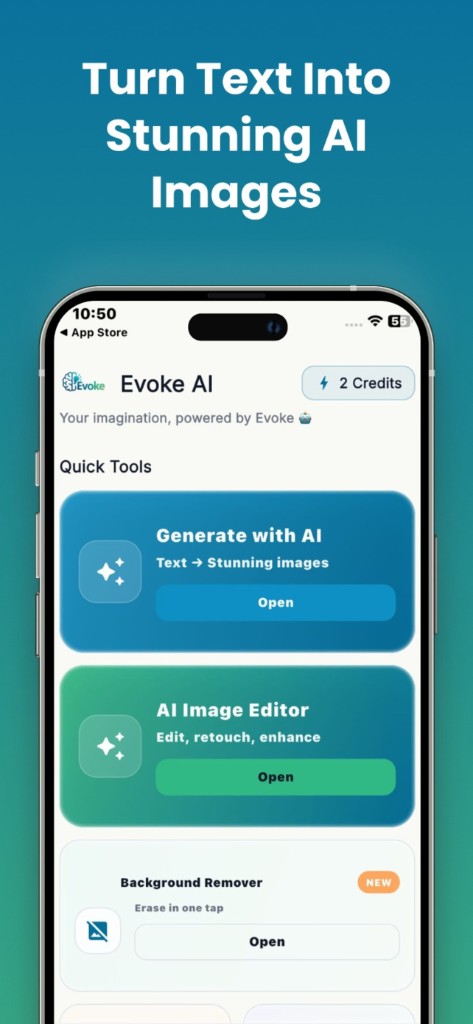
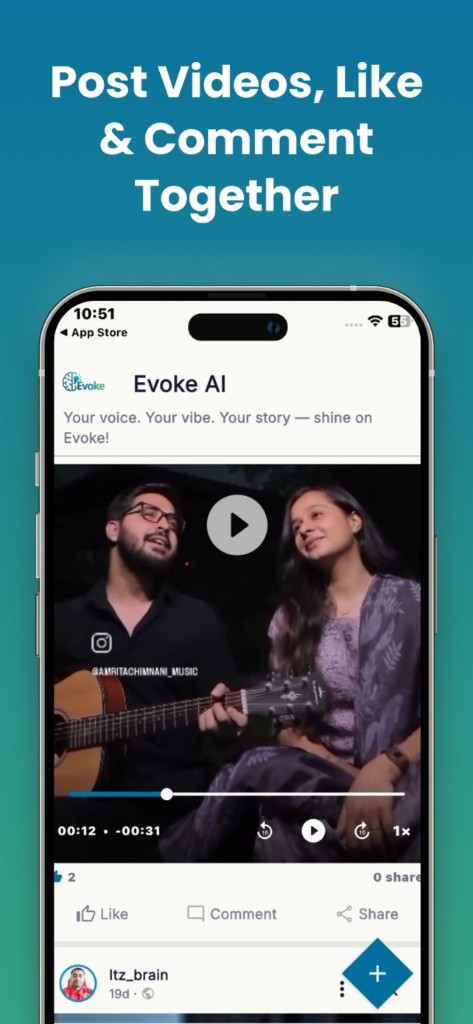
Evoke app on a phone — restore and share photos

How to use it

  1. 1

    Open Deblur in the Evoke app

  2. 2

    Pick a slightly shaky snapshot

  3. 3

    Compare with the original and save if the edges look real

What the unblur photo app does

It tightens soft faces and slightly shaky snapshots. It will not turn a fast-moving smear into a sharp portrait. If the photo is also low-resolution, use the photo enhancer app after a light deblur, not instead of it.

Guides and related tools

Frequently asked questions

Yes. Deblur is in the Evoke app for Android and iPhone. It does not run on the website.

No. Mild blur usually improves. Heavy motion blur usually cannot.