




How to use it
- 1
Download Evoke on Google Play or the App Store
- 2
Open the tool that matches the job
- 3
Pick a photo or PDF from your phone and save
What is the Evoke app?
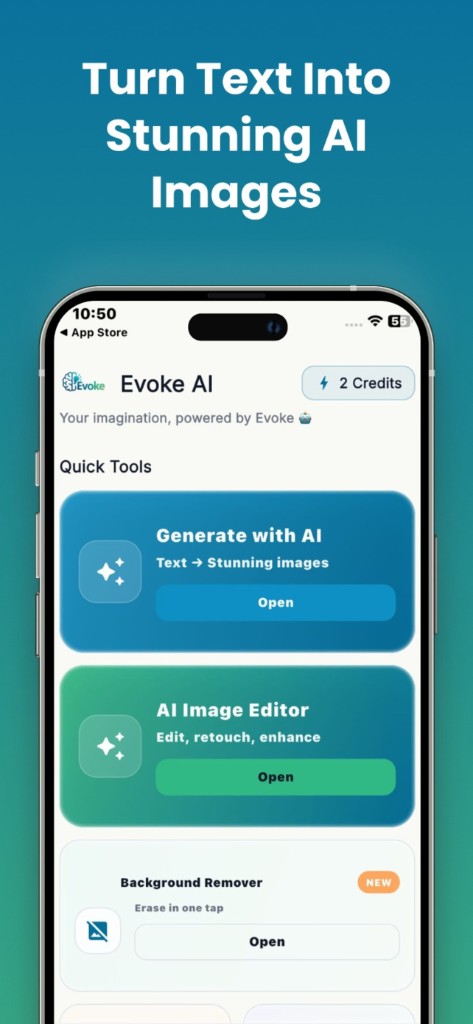
Evoke (listed as Evoke: AI Photo & PDF Editor) is a free Android and iOS app for photo editing, AI image generation, background removal, and PDF work. It is the same product as evoke-apps.com, not a different company. Ratings on Google Play and the App Store currently average 4.8 out of 5 from 1,280+ reviews of this app.
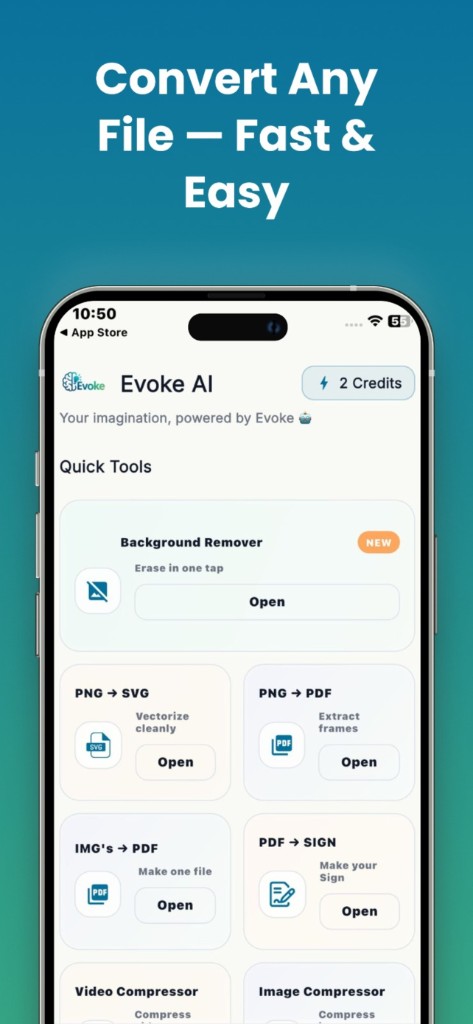
Some features run only in the app because the models are too large for a browser tab: AI photo enhancer, colorize, descratch, deblur, AI portraits, style transfer, and PDF sign. Other features also run on the website if you would rather not install anything.
- ·AI photo enhancer, colorize, descratch, and deblur (app only)
- ·AI image generator and AI portraits
- ·Background remover for product shots and profile photos
- ·PDF merge, split, compress, organize, and sign
Who the Evoke app is for
If you restore family photos on a phone, generate images from a prompt, cut a subject out of a photo, or sign a PDF on the go, the app is the right place. If you are on a desktop and only need compress, convert, or merge, the free web tools are enough and you do not have to install anything.
Evoke app vs the website
The website is for browser tools: image compressor, converters, most PDF tools, and a web background remover. The app is for the heavy AI photo models and for working from your camera roll. Neither replaces the other. Pick the surface that matches the job.
Guides and related tools
Frequently asked questions
Yes. You can download Evoke on Google Play and the App Store at no charge. Some advanced AI runs may use in-app credits. The web tools on this site stay free with no account.
No. evoke-apps.com and the Evoke: AI Photo & PDF Editor store listings are this product. evokeapp.ai is a different company. Always match the package name com.bgremover.tools on Play, or the App Store listing linked from this site.
Photo enhance, colorize, descratch, deblur, AI portraits, style transfer, and PDF sign run in the app only. Background remover, AI image generator, and most PDF and convert tools also work on the website.