
How to use it
- 1
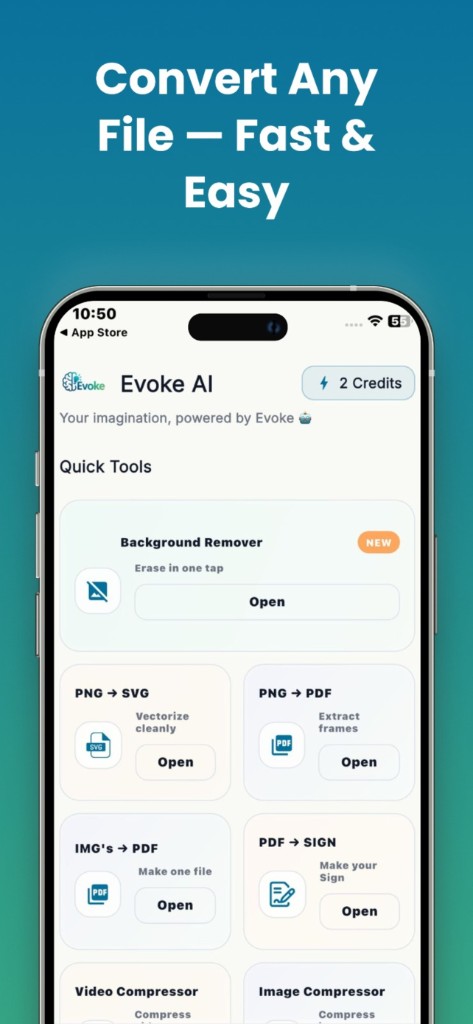
Open the PDF tool you need in Evoke
- 2
Pick the file from Downloads, Files, or WhatsApp
- 3
Export and share the result
PDF jobs the app handles
Merge several PDFs into one, extract pages, shrink a file for an upload limit, reorder or rotate pages, lock a file with a password, and stamp a drawn or typed signature. It is a toolkit, not Adobe Acrobat. It will not OCR a scanned book into perfect editable text.
- ·Merge, split, compress, organize
- ·Protect with a password
- ·Sign with a drawn, typed, or uploaded signature (app)
When to use the app vs the website
Use the app when the PDF is on your phone — a scan, a WhatsApp file, a form you need to sign now. Use the website when you are at a computer and want the same merge or compress job without installing anything. For a full comparison of free PDF sites, see the iLovePDF and Smallpdf guides.
Guides and related tools
Frequently asked questions
Evoke includes PDF merge, split, compress, organize, protect, and sign on Android and iPhone. Sign is app-only. The other PDF tools also run in the browser on this site.
No. Sign PDF places a visible mark on the page. It is what most everyday forms ask for. It is not a cryptographic certificate that proves who signed or detects later edits.
Often yes. Results depend on how much image data the file contains. Scanned pages shrink more than text-only PDFs. If the app cannot hit the limit, try the web compressor on a computer.


