


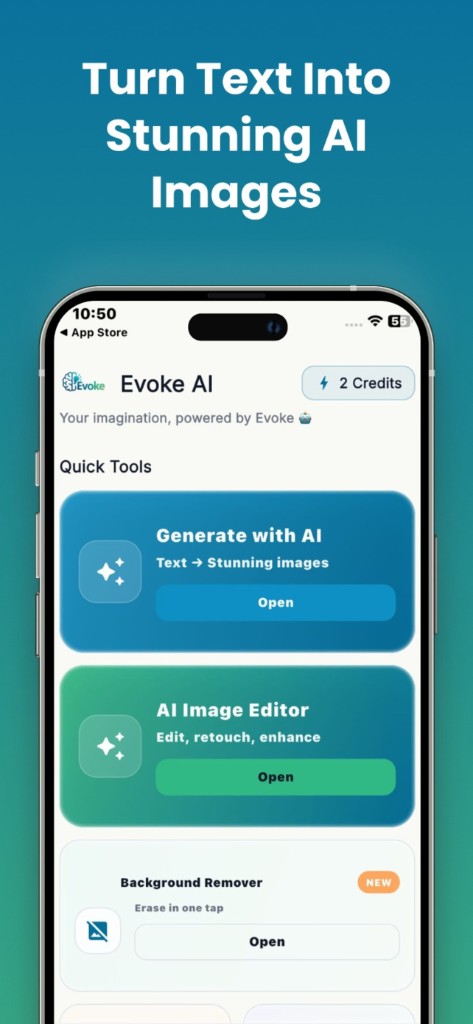
How to use it
- 1
Open AI Portraits in the Evoke app
- 2
Pick a clear, well-lit photo of your face
- 3
Choose a style, review likeness, and save what you keep
What the AI portrait app does
You pick photos of yourself in the Evoke app and generate styled portraits. Expect to discard several results for each one you keep. Do not use the output as an ID photo.
- ·Professional-looking headshot styles
- ·Themed looks (bride, doctor, astronaut, and similar)
- ·Starts from your face, unlike a text prompt generator
Portrait app vs photo generator app
The AI photo generator invents a scene from words. The AI portrait app needs your pictures. Use generator for art and mockups. Use portraits when the picture should look like you.
Guides and related tools
Frequently asked questions
Yes. AI Portraits runs in the Evoke app for Android and iPhone. It is not a web tool.
No. The generator is text to image. Portraits start from photos of you. Each has its own page.


